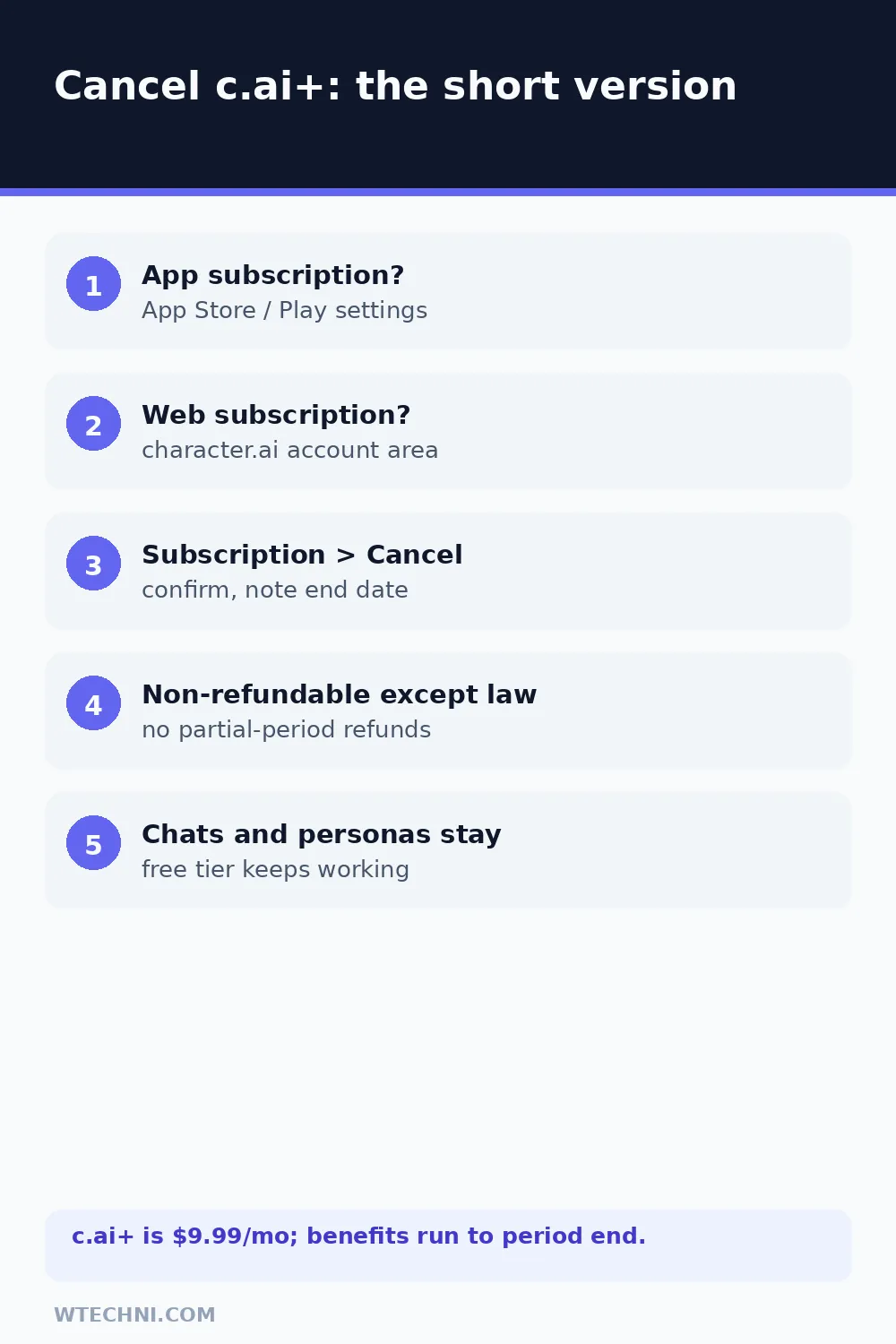
You can cancel Character.AI Plus yourself in about two minutes, and the first question is always the same one: where did you subscribe? Character.AI's own help center splits it cleanly, if you subscribed in the app, you manage and cancel it in your App Store or Google Play subscription settings; if you subscribed on the web, you cancel through Character.AI's subscription management on the site. Pick the wrong door and you'll hunt for a cancel button that doesn't exist.
Everything else is good news: your chats, characters, and personas all survive the cancellation, and the free tier keeps working the moment c.ai+ ends. Here's the full walkthrough for both doors.
How to cancel c.ai+ on the web
If you subscribed through the website, this is your path:
- Go to character.ai and sign in with the account holding the subscription.
- Open your profile / account area.
- Find Subscription or Manage subscription (the c.ai+ section).
- Select Cancel subscription.
- Work through the confirmation prompts and note the date benefits end.
Watch for the confirmation, a confirmation email or an updated status on the subscription page. If the page still shows an active renewal after you've confirmed, run the flow again before assuming you're done.
How to cancel c.ai+ on iPhone or Android
Character.AI's help center (updated September 2026) says it directly: app subscriptions are managed in your App Store or Google Play subscription settings, not in the app itself.
iPhone or iPad: open Settings, tap your name at the top, tap Subscriptions, select Character.AI (it may appear under the developer's name), and hit Cancel Subscription. If you see an expiration date instead of a cancel button, it's already cancelled.
Android: open the Google Play Store, tap your profile icon, go to Payments & subscriptions, then Subscriptions, select Character.AI, and cancel there. Wrong Google account is the classic miss on shared devices, if the subscription isn't listed, check other accounts on the phone.
The refund reality
Character.AI's terms and its promotional offer terms (updated June 2026) align on this: payments are non-refundable except where required by law, and no partial refunds are issued for unused time within a billing period. In practice that means:
| Your situation | Realistic expectation |
|---|---|
| Standard cancel, mid-period | No refund. c.ai+ runs to the end of the paid period. |
| Forgot to cancel, charged | Policy says law-only; quick, unused requests are the only realistic angle. |
| Billed by Apple or Google | The store's refund process decides, reportaproblem.apple.com or Play's order history. |
| Charged after a confirmed cancel | Billing error. Contact support with the receipt, this one's worth fighting. |
| Flash-sale or discounted plan | Same non-refund terms; promotional pricing doesn't add a window. |
For store purchases, remember the split: Character.AI support can't refund an Apple or Google charge, and the stores' no-questions windows are short (roughly 48 hours on Google). Move fast if that's your situation.
What you keep on the free tier
Your entire chat history stays, including every conversation with every character. Characters you created stay published, personas remain, and folders and bookmarks all keep working. The free tier now includes a message allowance (Character.AI introduced the c.ai Lite/free limits alongside Plus), so casual use keeps working, what ends is the priority queue during peak hours, faster response times, the badge, and early feature access.
Heavy users notice the difference most during evenings and weekends when queues get long; light users often don't notice the downgrade at all. If that's you, the US$9.99 a month is the right line to cut, and resubscribing later takes a minute from the same subscription screen if a new feature pulls you back.
Before you go: two housekeeping items
First, if you rely on specific characters you created, note that everything is account-bound, there's nothing to export, so just don't delete the account itself if you might return. Second, if your reason for leaving is the content quality rather than the price, the free tier is worth a month's testing before deleting anything; feature rollouts during 2026 changed the free experience more than most users expect.
Doing the full AI-chat audit? Cancelling ChatGPT Plus has its own three-platform split, and Perplexity Pro's cancellation comes with a genuine 14-day refund window, the friendliest policy in this cluster.
Frequently asked questions
Can I get a refund when I cancel Character.AI Plus?
Character.AI's own terms and offer-terms pages say payments are non-refundable except where required by law, and no partial refunds are issued for unused time in a billing period. A standard cancellation runs your c.ai+ benefits to the end of the period you paid for. Store-billed purchases follow Apple's or Google's refund flows instead.
How do I know whether my c.ai+ subscription is app-store or web billed?
Check your phone's subscription list. If Character.AI (or CHAI) appears in iPhone Settings under Subscriptions, or in Google Play's Subscriptions, the store holds the billing and that's where you cancel. If it's not listed there, you subscribed on the web and cancel through Character.AI's own subscription settings.
What happens to my chats and personas when I cancel?
Everything stays. Your chat history, created characters, personas, and folders remain in your account when the plan drops to the free tier at period end. What ends are the c.ai+ perks: priority access during peak hours, faster responses, the c.ai+ badge, and early access to new features.
Does deleting the Character.AI app cancel the subscription?
No, deleting the app cancels nothing, and store subscriptions keep renewing until you cancel them in the store that billed you. Even deleting your whole account is a different process with different consequences. Cancel the subscription first; do the bigger cleanup afterward if you still want it.
Will I lose access immediately or at the end of the billing period?
At the end of the billing period. Character.AI's help center describes cancellation as stopping future renewal, with your paid benefits continuing until the close of the current cycle. There's no mid-period cut-off on a standard cancel, only a legally required refund would end things sooner.