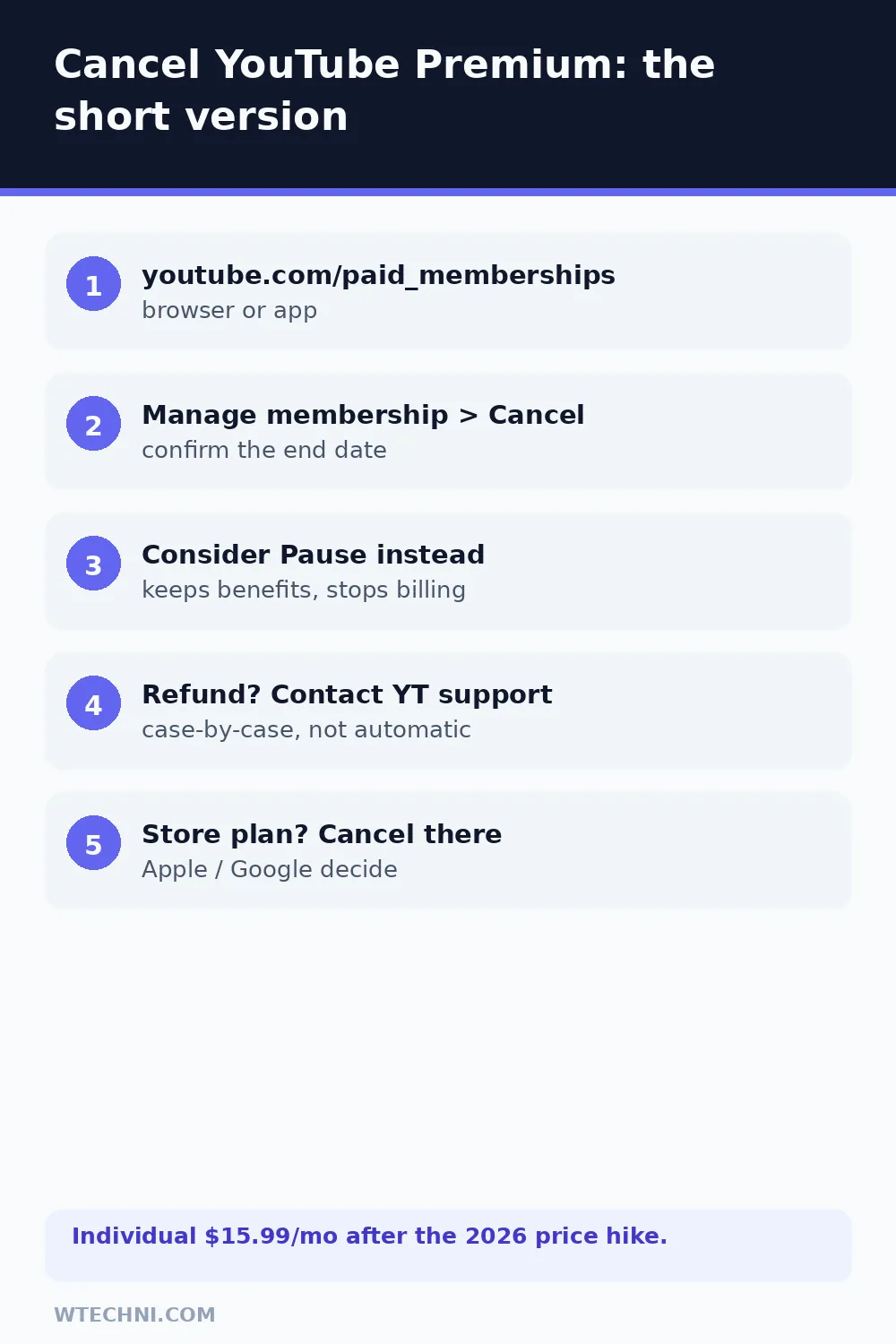
You can cancel YouTube Premium yourself in about two minutes, from a browser or the app. Go to youtube.com/paid_memberships, find your membership, click Manage membership, and choose Cancel. YouTube asks why, maybe offers a pause, and then confirms: Premium benefits continue until the end of the billing period you paid for, and after that your account drops to free.
The backdrop this year: YouTube raised US prices in 2026, with the Individual plan climbing from US$13.99 to US$15.99 a month, the first Individual bump since 2023 and the reason cancel-searches doubled. The mechanics are unchanged though, and there's a pause option most people never notice. Full walkthrough below.
How to cancel YouTube Premium step by step
Google's own support documentation covers this flow for direct-billed accounts:
- Open youtube.com/paid_memberships in a browser (or tap your profile picture in the app, then Purchases and memberships).
- Find your YouTube Premium membership.
- Select Manage membership, then Cancel (or Deactivate, depending on the screen).
- Answer the exit survey. YouTube may offer to pause instead, more on that below.
- Confirm the cancellation and note the date your benefits end.
If you manage a Family plan, cancelling ends it for every member at the close of the cycle; members can't cancel the family membership themselves. If you're a member who wants out, you just leave the family group, no cancellation involved.
The 2026 price increase, and refunds
YouTube's US price increase landed in 2026: Individual US$13.99 to US$15.99 a month, Family to US$26.99, with Student at US$8.99. Trade coverage pinpoints the announcement in April 2026, and the new rate applies from the next billing cycle after YouTube notified you. If that US$2 jump is why you're here, the math is simple, cancelling before your next billing date costs you nothing and keeps Premium until that date.
| Your situation | Realistic expectation |
|---|---|
| Cancel mid-period, direct-billed | Benefits run to period end; no automatic refund. |
| Charged recently, want money back | Contact YouTube support, refunds are case-by-case per Google's policy. |
| Charged after cancelling | Billing error. Strongest refund case; bring the receipt. |
| Store-billed subscription | Apple or Google refund flows decide, not YouTube support. |
| Trial converted without warning | Request a refund quickly via support; unused requests fare best. |
Pause instead of cancel
YouTube Premium has a feature its own marketing barely mentions: pausing. From the same Manage membership screen, you can pause billing for a set stretch, your paid benefits keep running during the pause window, billing stops, and Premium resumes automatically afterward. For a vacation, a work crunch, or a summer outdoors, pause beats cancel because there's nothing to remember later.
Cancelling, by contrast, ends billing permanently and drops you to free at period end. If there's any chance you'll want Premium back within months, pause is the lower-friction move, and you can cancel during the pause anyway if plans change.
What stays after cancelling
Your YouTube account is untouched: subscriptions to channels, watch history, likes, and playlists all remain. YouTube Music reverts to the free tier with ads, and your Music library and uploads (if you had any) stay put. What stops at period end: ad-free playback, background play, offline downloads, and the Music premium features. Downloaded videos and music stop playing once they lose the entitlement, they're license-wrapped, not files you own.
Family and student plans add two wrinkles. On a Family plan, the manager's cancellation ends benefits for all members at the close of the cycle, while members who leave the group on their own lose Premium immediately. Student plans re-verify eligibility periodically; if verification lapses, YouTube bills the standard rate, which explains most surprise price jumps. Both plan types cancel through the same Manage membership flow above. And if you change your mind later, resubscribing restores every benefit instantly, since entitlements re-attach to the same account the moment billing resumes.
If you're auditing the media budget, cancelling Spotify Premium went through its own 2026 price hike, and if ads were the reason you bought Premium in the first place, Microsoft 365's cancellation guide covers the other subscription hiding in plain sight on many cards.
Frequently asked questions
Can I get a refund when I cancel YouTube Premium?
Possibly, but it's not automatic. Google's support pages say to contact the YouTube support team if you want to cancel immediately and get a refund, and they assess requests case by case. Store-billed subscriptions follow Apple's or Google's own refund flows instead. A clean mid-period cancel simply runs Premium to the end of the billing period.
What happens to my downloads and YouTube Music when I cancel?
When the billing period ends, offline downloads stop playing and background play plus ad-free viewing disappear. Your YouTube Music library, playlists, likes, and history all stay, Music simply reverts to the free experience with ads. Nothing you created is deleted.
How do I cancel YouTube Premium on iPhone or Android?
You can cancel from youtube.com/paid_memberships in any mobile browser, or through the YouTube app's Purchases and memberships area. If you subscribed through the App Store or Google Play, cancel there instead, iPhone Settings under your name, then Subscriptions, or Play Store's Subscriptions screen.
What's the difference between pausing and cancelling YouTube Premium?
Pausing keeps your paid benefits running for the pause length (up to a few months) while stopping new billing, then resumes automatically, good for vacations. Cancelling stops billing permanently and downgrades you to free at period end. Pause is reversible by design; cancel is the full exit.
Why did my YouTube Premium price go up in 2026?
YouTube raised US prices in 2026: the Individual plan went from US$13.99 to US$15.99 a month, with Family at US$26.99 and Student at US$8.99. The new price applies from your billing cycle after the change, and it's the most common reason people are cancelling this year.