You can cancel Spotify Premium yourself in about two minutes from your account page, no chat, no retention maze. Sign in at spotify.com/account, scroll to your plan, and select Cancel Premium (under Manage your plan). Spotify asks if you're sure, maybe offers a deal, and then confirms: Premium stays until your next billing date, and after that your account simply becomes free.
January 2026 changed the backdrop: Spotify raised US prices, and the cancel-question searches spiked accordingly. The mechanics haven't changed at all, though, and neither has the rule that your playlists survive everything. Here's the clean walkthrough.
How to cancel Spotify Premium step by step
Spotify's own support documentation describes this flow:
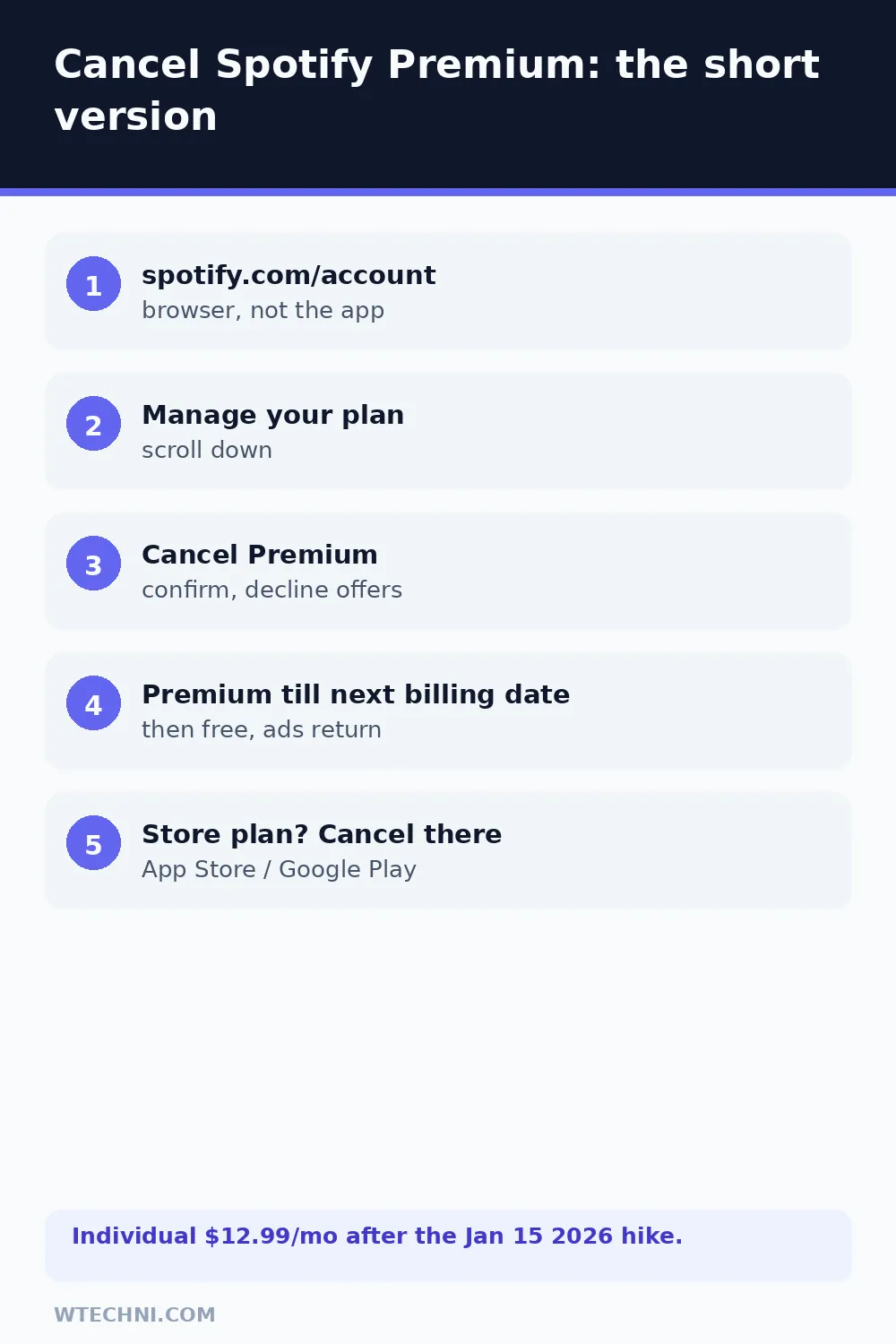
- Go to spotify.com/account and sign in (browser works best, the mobile app doesn't host the cancel flow).
- Scroll to Manage your plan.
- Select Cancel Premium (or Change plan, then cancel).
- Click through the confirmation. Spotify may show a retention offer; decline if you're set.
- Confirm the cancellation screen shows Premium until your next billing date.
That last screen is your proof. If it shows the plan still renewing, the cancellation didn't take, repeat it and this time wait for the confirmation email before closing the tab.
The January 2026 price increase, and refunds
Spotify raised US Premium prices on January 15, 2026, Individual went from US$11.99 to US$12.99 a month, with Duo and Family moving too. That's the second US hike in three years (June 2024 took Individual to $11.99). If the new price is what pushed you to cancel, you're in good company, and the good news is that cancelling costs nothing extra: you keep every day of the current cycle you paid for.
| Your situation | Realistic expectation |
|---|---|
| Cancelled, charged anyway | Billing error. Strong case, contact Spotify support with the receipt. |
| Forgot to cancel, charged | Case-by-case per Spotify's refund policy. Ask fast, expect discretion. |
| Mid-cycle change of mind | No refund. Premium runs to the next billing date. |
| Billed by Apple or Google | The store's refund process decides, not Spotify. |
| Duo/Family member, not manager | You can't cancel the plan, the manager holds billing. |
What you keep on the free tier
Everything you built stays: playlists, liked songs, followed artists, and your listening history all remain in the account. What changes is the experience, ads return between songs, offline downloads stop working, mobile playback becomes shuffle-based for most playlists, and audio quality drops from Premium's highest settings to the free tier's ceiling.
Your downloaded files also stop playing once Premium ends, since they're DRM-wrapped. If you're heading somewhere with poor connectivity soon, that's the one thing to plan around before you cancel.
Cancelling a trial or student plan
Trials follow the same two-minute flow: cancel before the trial's end date and nothing bills, or cancel after conversion and treat it like a normal renewal, where the case-by-case refund route is your only money-back option. Set a calendar reminder the day you start any trial, because Spotify's reminder emails arrive close to the conversion date and are easy to miss in a promotions folder.
Student plans work differently in one way worth knowing: eligibility is re-verified periodically through a verification service. If your verification lapses, Spotify moves you to the standard Individual price automatically, which is the surprise behind many "why did my bill go up" questions. Cancelling a student plan is identical to cancelling Individual, and resubscribing later just means re-verifying enrollment.
One last thing that doesn't complicate anything: prepaid time. If you redeemed a gift card or bought months up front, cancelling simply lets that prepaid time run out at its own pace before the free tier starts, so there's no value lost by cancelling early.
Store-billed subscriptions
If Spotify Premium appears on your App Store or Google Play bill, the cancel lives with the store. On iPhone: Settings, tap your name, Subscriptions, select Spotify, Cancel Subscription. On Android: Google Play Store, profile icon, Payments & subscriptions, Subscriptions, select Spotify, cancel. Deleting the Spotify app changes nothing, store renewals continue until the store says stop.
If your music budget is getting a full audit, cancelling YouTube Premium went up to US$15.99 in 2026 and has its own quirks, and if a VPN subscription is next on the list, NordVPN's 30-day refund flow is the most consumer-friendly of the bunch.
Frequently asked questions
Will I get a refund when I cancel Spotify Premium?
Not automatically. Spotify's refund policy, referenced in its terms, doesn't promise refunds for standard cancellations, and a forgotten renewal is handled case by case through support. Billing errors, charged after cancelling, double charges, are the strong cases. Ask soon after the charge, with the receipt, and keep expectations calibrated.
Do I lose my playlists when I cancel Spotify Premium?
No. Playlists, liked songs, albums and followed artists all stay in your account when you drop to the free tier. The changes are experiential: ads return, offline downloads stop playing, and you lose on-demand mobile playback, free mobile listening is shuffle-based on most playlists.
How do I cancel Spotify Premium if I subscribed through the App Store?
Through the store, not Spotify. On iPhone, open Settings, tap your name, tap Subscriptions, and cancel Spotify there. On Android, use Google Play's Subscriptions screen. Spotify's own account page won't show the cancel control for store-billed plans because Apple and Google hold the billing.
What happens to a Duo or Family plan when the manager cancels?
The whole plan ends for everyone at the close of the billing period, because the manager holds the single billing relationship. Members get a heads-up and drop to free, their playlists and libraries stay intact. Only the manager (or whoever pays) can cancel; members can't do it themselves.
Can I pause instead of cancelling Spotify Premium?
Premium Individual doesn't have a pause button the way some services do. The equivalent pattern is cancelling (access runs to period end, then free) and resubscribing when you want Premium back, your account and playlists are waiting exactly as you left them.