You can cancel LinkedIn Premium yourself in about two minutes, and the control lives in your account settings. Click the Me icon at the top of LinkedIn, open Settings & Privacy, go to Subscriptions & purchases, and manage your Premium account from there. Cancelling stops future billing, and your Premium features keep running until the end of the period you paid for.
The part worth slowing down for is the refund rule. LinkedIn has a specific 7-day window tied to one condition that trips people up constantly: zero Premium usage. Get the order right, don't burn your InMail credits, then ask for money back, and the policy works in your favor.
How to cancel LinkedIn Premium step by step
LinkedIn's help center notes that the exact steps vary by purchase method, the flow below is the direct-billed path:
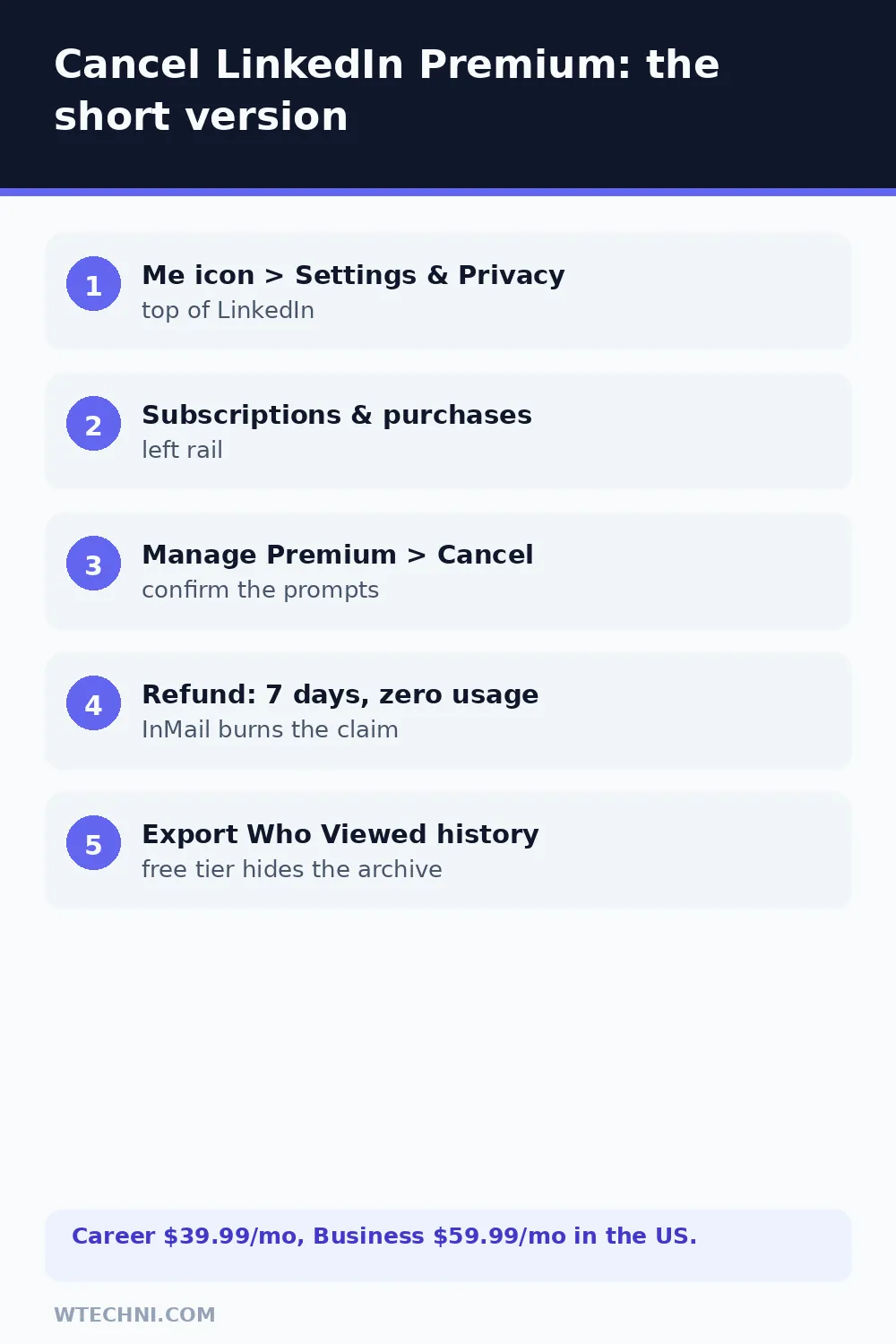
- Click the Me icon at the top of your LinkedIn homepage.
- Select Settings & Privacy.
- Open Subscriptions & purchases from the left rail.
- Select Manage Premium account (or the subscription management option).
- Choose Cancel subscription and work through the confirmation screens.
- Check for LinkedIn's confirmation, and note the date Premium features end.
Until that end date, every Premium feature keeps working: full Who Viewed Your Profile history, remaining InMail credits, Learning courses, and applicant insights. Nothing is revoked the moment you cancel.
The 7-day, zero-usage refund rule
LinkedIn's refund policy is specific enough to quote: Premium subscriptions may be refundable within 7 days from the date the subscription is charged, without Premium usage. Two supporting details from LinkedIn's own pages: a previous refund may affect future eligibility, and for LinkedIn Premium Company Page subscriptions the request must also come within 7 days of the billing date.
| Your situation | Realistic expectation |
|---|---|
| Charged recently, Premium unused | Inside the 7-day window, request the refund, this is what it's for. |
| Used InMail or Learning this cycle | Usage disqualifies the refund request under the policy. |
| Missed trial cancellation, charged | Same 7-day unused rule applies, move fast. |
| Mid-term cancel, past 7 days | No refund. Premium runs to the end of the paid cycle. |
| Billed by Apple or Google | The store's refund process decides, not LinkedIn's. |
To request: cancel first, then use LinkedIn's Help Center contact flow and reference the refund policy, the charge date, and the fact you haven't used Premium features since the charge. Precision matters, "I didn't use it" gets checked against your account activity, so it needs to be true.
What you keep and what expires after cancelling
Your profile, network, and every connection are untouched, Premium is a feature layer, not your account. When the paid period ends: unused InMail credits expire without payout, Who Viewed Your Profile drops back to the limited free view, Learning access stops, and job-application insights and Open Profile disappear with the tier.
One professional-grade tip: export your full Who Viewed Your Profile history while Premium is still active if you've been tracking job-hunt interest, the free tier won't show that archive after the switch.
Trial users: the 24-hour and 7-day play
LinkedIn's one-month free trials convert to paid automatically unless cancelled in time. If the trial just converted, treat it as a fresh charge: cancel now, don't touch Premium features, and request the refund under the 7-day window. If you're still inside the trial, cancelling before it ends costs nothing and keeps the option to resubscribe later, LinkedIn doesn't punish you for it.
One habit worth adopting if you bounce between plans: set a phone reminder for day 25 of any monthly cycle you intend to leave. LinkedIn doesn't send a "your renewal is tomorrow" warning for direct-billed plans, and the 7-day refund window is a poor substitute for simply cancelling on time. Cancelling never affects your profile, network, or future eligibility to resubscribe.
Cleaning up the rest of your career-tool stack? QuillBot's cancellation is a two-minute auto-renew toggle with a law-only refund policy, and Jasper's cancellation has a 7-day email rule that pairs oddly well with LinkedIn's.
Frequently asked questions
Can I get a refund when I cancel LinkedIn Premium?
There's a specific window: LinkedIn's policy says Premium subscriptions may be refundable within 7 days from the date the subscription is charged, provided you haven't used Premium features. One catch: a previous refund can affect future eligibility. Outside that window, cancelling simply stops future billing with no money back.
What counts as 'using' Premium features for the refund rule?
Anything that required the paid tier: viewing Who Viewed Your Profile beyond the free allowance, using InMail credits, accessing Learning courses, or applying with Premium-only insights. Basic browsing and applying to jobs without Premium extras doesn't count against you. If you've genuinely not touched Premium features since the charge, say exactly that when you request the refund.
How do I cancel LinkedIn Premium billed through the App Store?
LinkedIn's help center says cancellation steps vary by purchase method, and store-billed plans are managed by Apple or Google. On iPhone, open Settings, tap your name, then Subscriptions, and cancel LinkedIn there. On Android, use Google Play's Subscriptions screen. LinkedIn's own settings can't cancel a store subscription.
What happens to InMail credits and Who Viewed Your Profile when I cancel?
When the paid period ends, unused InMail credits expire, they don't pay out or roll over. Who Viewed Your Profile reverts to the free view (recent viewers only, without full history), and Learning access, applicant insights, and Open Profile all stop with the tier.
I missed cancelling my free trial and got charged, what now?
You're in the same boat as a forgotten renewal: request a refund within 7 days of the charge, making sure you haven't used Premium features since. LinkedIn's help center points missed-trial cancellers straight to its refund policy, and quick, unused requests are the ones that get approved.