You can cancel Duolingo Super yourself in about two minutes, and the route depends on one thing: where you subscribed. If Super came through duolingo.com on the web, cancel in Duolingo's own settings. If it came through the App Store or Google Play, the store holds the billing and the cancel button lives there. Either way, your Super benefits keep running until the end of the period you paid for, and your streak, XP, and progress are never touched by a cancellation.
Two Duolingo-specific things catch people out: the trial's 24-hour cutoff before conversion, and a refund policy that's about as strict as they come, charges are nonrefundable by default. Here's everything in the right order.
How to cancel Super Duolingo on the web
If you subscribed through duolingo.com, this is Duolingo's own documented flow:
- Go to duolingo.com and sign in on a browser.
- Open your profile / account Settings.
- Find the Super (or subscription) section.
- Select Manage subscription, then the option to cancel or turn off auto-renewal.
- Confirm, and screenshot the confirmation with the end date it shows.
Super stays active until the end of the billing period, then your account drops to the free tier automatically. Nothing about the cancellation affects your courses, streak, or progress, those live on the account, not the plan.
How to cancel Super Duolingo on iPhone or Android
iPhone or iPad: open Settings, tap your name at the top, tap Subscriptions, select Duolingo, and hit Cancel Subscription. If you see an expiration date instead of a cancel button, the subscription is already set to end.
Android: open the Google Play Store, tap your profile icon, go to Payments & subscriptions, then Subscriptions, select Duolingo, and cancel there. On family-shared devices, wrong-account confusion is common, if Duolingo isn't listed, check the other Google accounts on the phone.
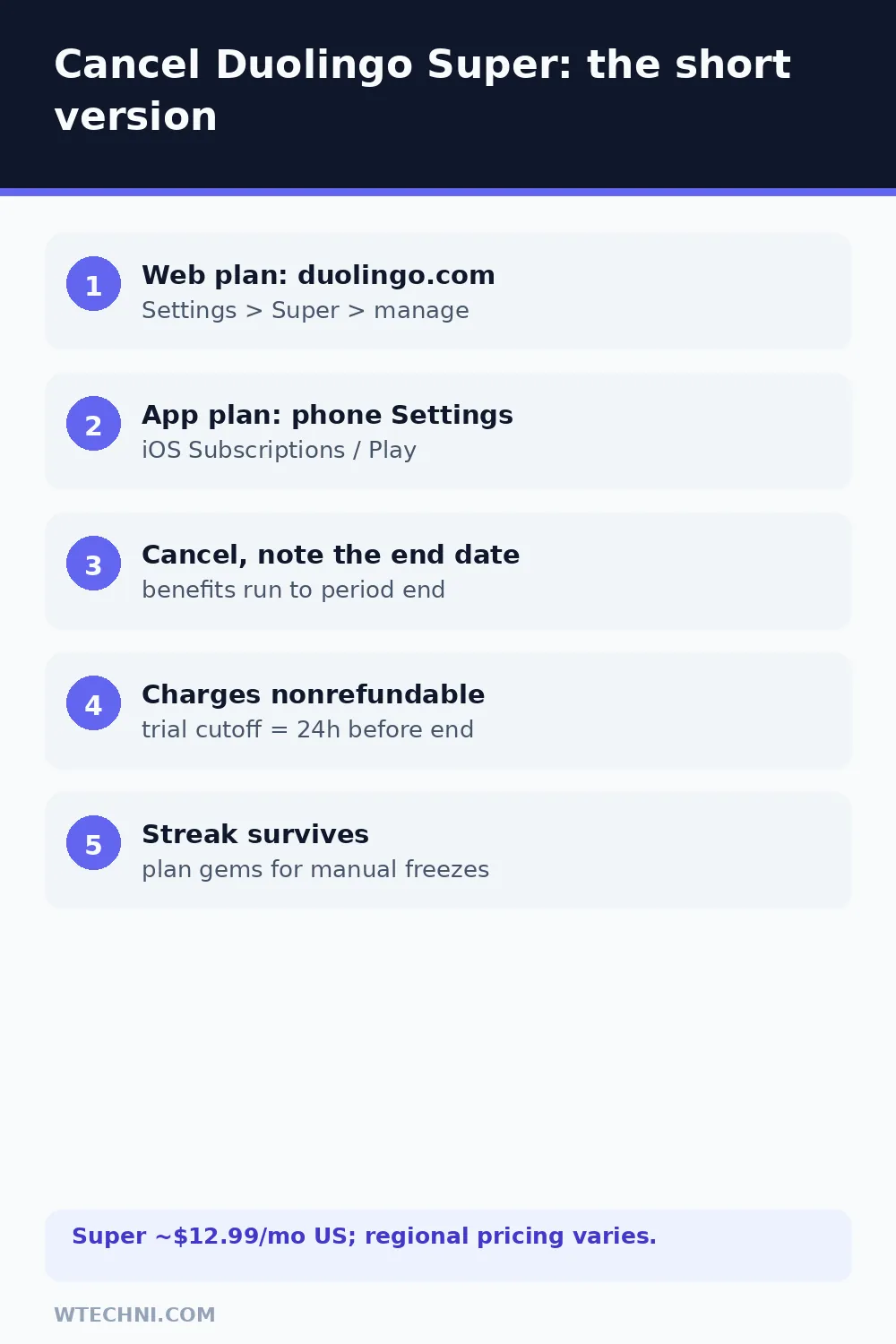
The nonrefundable rule and the trial's 24-hour cutoff
Duolingo's help pages and terms agree on the hard line: payments are nonrefundable, partially used periods earn no credits, and cancellation never retroactively refunds anything. Local law can override that in some regions, but that's the exception path, not the default.
| Your situation | Realistic expectation |
|---|---|
| Standard cancel, mid-period | No refund. Super runs to the end of the paid period. |
| Annual plan cancelled early | No prorated refund under policy; the year runs out or lapses. |
| Trial converted, charged | Policy-default no refund; store-billed trials can use store refund flows fast. |
| Charged after a confirmed cancel | Billing error. Dispute with your cancellation proof. |
| Accidental double charge | Support fixes duplicates, this is the strongest ask. |
The trial cutoff deserves its own warning. Duolingo's own materials say your account is charged after the trial unless you cancel at least 24 hours before it ends, and that boundary lands at the exact hour the trial started, which is rarely midnight. A trial started at 9pm converts at 9pm, not at the day boundary. People miscount this constantly, and Duolingo's Reddit threads are full of it.
What survives, what returns
Your streak, XP, league history, completed lessons, and friends all survive untouched, that data belongs to your account. What returns with the free tier: ads between lessons, the energy system limiting daily lessons (it replaced hearts for most users during 2025), and the loss of Super perks like unlimited practice, mistake reviews, and automated Streak Freezes.
If your streak matters, prepare for the downgrade: stock up gems for manual freezes, or set a reminder for daily lessons during the first free week. The most common post-cancellation regret isn't the money, it's a 200-day streak dying in week one on free.
Super vs Max before you decide
If the issue is value rather than the subscription itself, note the split: Super (about US$12.99 a month) covers unlimited practice and no ads, while Max (about US$30 a month) adds the AI conversation features. Downgrading Max to Super in the same subscription area keeps most of what people actually use at less than half the price, cancelling entirely is the right call only when Duolingo itself isn't earning its daily slot.
And if your subscription cleanup includes other learning or AI tools, Character.AI Plus's cancellation follows the same store-versus-web split, while our best AI tools roundup shows what's actually worth paying for in 2026.
Frequently asked questions
Can I get a refund when I cancel Duolingo Super?
Duolingo's own help pages are explicit: charges for in-app purchases are generally nonrefundable, there are no refunds for partially used periods, and cancelling never retroactively refunds payments. Only where local law requires it do exceptions apply. Store-billed plans can go through Apple's or Google's own refund flows, which have their own short windows.
What happens to my streak when I cancel Super?
Your streak survives, it's account data, not a subscription feature. What changes: Streak Freeze automation and some practice perks that came with Super go away, so an unprotected streak now depends on daily lessons or manual freezes. Your XP, leagues, and progress all stay exactly as they were.
How do I cancel Super Duolingo on iPhone or Android?
Through the store, if that's where you subscribed. On iPhone: Settings, tap your name, Subscriptions, select Duolingo, cancel. On Android: Google Play Store, your profile icon, Payments & subscriptions, Subscriptions, Duolingo, cancel. Duolingo's own app can't cancel a store-billed plan.
Why was I charged a day before my free trial ended?
Duolingo's trial terms say you can cancel anytime up to 24 hours before the trial ends, after that cutoff, the conversion charge happens. If a charge landed earlier than you expected, check whether your trial started late in a day; the 24-hour boundary lands at an odd local hour and people miscount it constantly.
Does cancelling remove ads and restore hearts on the free tier?
The free tier returns ads, and Duolingo's energy system (which replaced hearts for most users in 2025) applies again, lessons consume energy whether or not you make mistakes. Super's unlimited practice and no-ads benefits end with the billing period, not at the moment you cancel.