Quick answer: Yes, NordPass is worth it for most people. In this NordPass review we found a fast, polished, zero-knowledge password manager that costs $1.99 per month on intro pricing, supports passkeys and XChaCha20 encryption, and undercuts 1Password and Dashlane by a wide margin. Its main flaw: no published independent security audit yet.
NordPass comes from Nord Security, the company behind NordVPN, so it arrives with a familiar brand, aggressive first-term discounts, and one eyebrow-raiser: unlike Bitwarden or 1Password, it has not published an independent third-party audit of the vault itself. That does not make it unsafe, but it belongs in the decision, and this review puts it there next to the pricing, the apps, and the free plan's real limits.
What Is NordPass, and Who Makes It?
NordPass launched in 2019 from Nord Security, the Lithuanian company that also operates NordVPN, one of the best VPNs we've tested, and that merged with Surfshark in 2022. It is a zero-knowledge password manager: your master password never leaves your device, and Nord's servers store nothing but encrypted blobs. Apps cover Windows, macOS, Linux, Android, and iOS, with extensions for Chrome, Edge, Firefox, and Safari, and Nord claims tens of millions of users. One structural quirk matters: there is no web vault, so everything runs through the desktop or mobile app, and the browser extension talks to the app rather than standing on its own. Chromebook-only households should weigh that before buying.
NordPass Pricing: Free, Premium, and Family
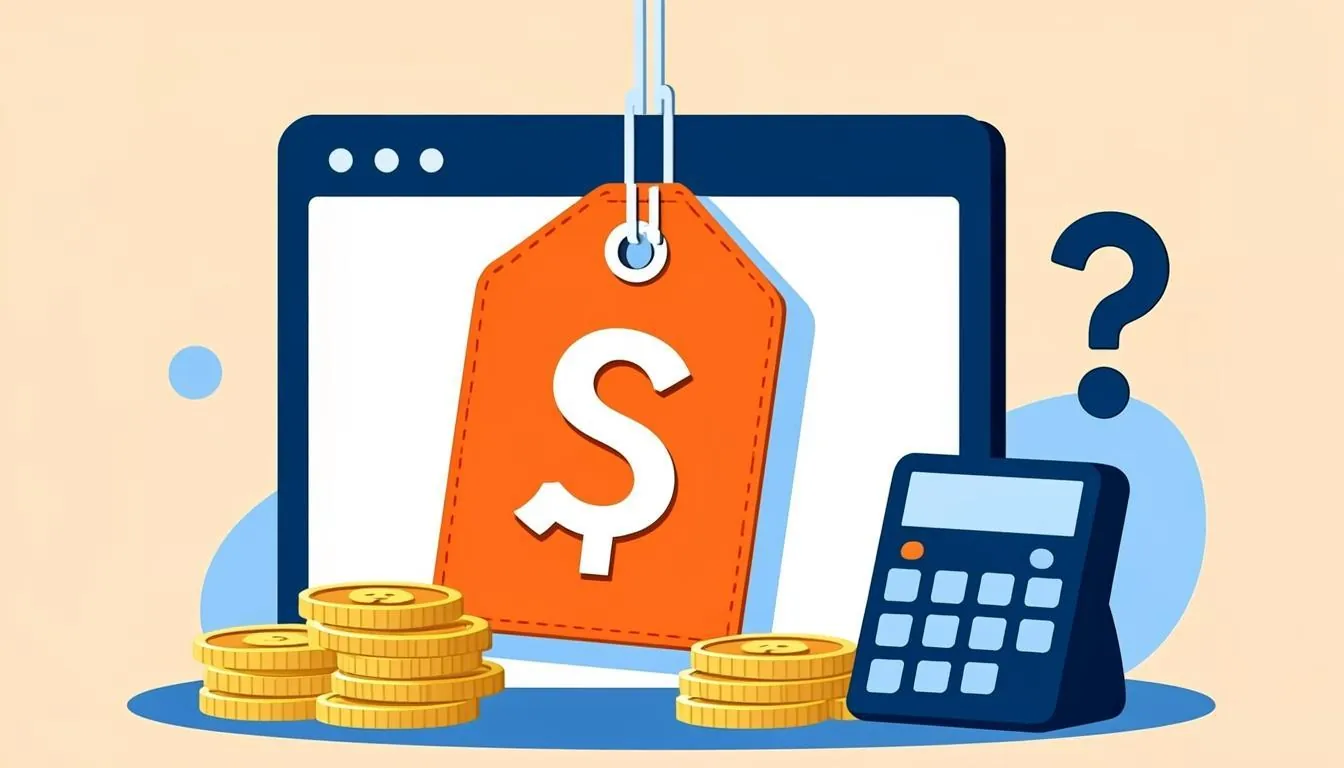
NordPass sells three tiers, and the pricing is where the confusion starts, because the headline numbers are intro rates that rise at renewal. Premium starts at $1.99 per month for the first term, then renews at roughly $2.99 to $4.99 per month depending on whether you commit to one year or two. Family starts at $4.99 per month for six seats and renews around $7.99 per month. Both paid tiers are billed annually up front, and the exact renewal figure is always shown at checkout on nordpass.com, so read it before you buy rather than after the second invoice lands.
| Feature | Free | Premium | Family |
|---|---|---|---|
| Intro price | $0 | $1.99/mo (first term) | $4.99/mo (first term) |
| Renewal price | $0 | About $2.99-$4.99/mo | About $7.99/mo |
| Items stored | 25 (all item types) | Unlimited | Unlimited, 6 private vaults |
| Devices signed in | 1 at a time | Unlimited | Unlimited per member |
| Secure item sharing | No | Yes | Yes |
| Multi-factor options | Authenticator app | Adds security keys | Same as Premium, per seat |
| Data breach scanner | No | Yes | Yes |
| Emergency access | No | Yes | Yes |
| Seats | 1 | 1 | 6 |
Two rows in that table decide most purchases. First, the free plan's 25-item cap is real: logins, secure notes, credit cards, and identity fields all count toward it, so most people outgrow the free tier within a week or two. Second, the Family plan gives each of the six members a private vault rather than one communal pot, with household sharing handled through shared folders. For families with teenagers who want their own space, that design beats a single shared vault.
NordPass Family Plan: Is It Worth It?
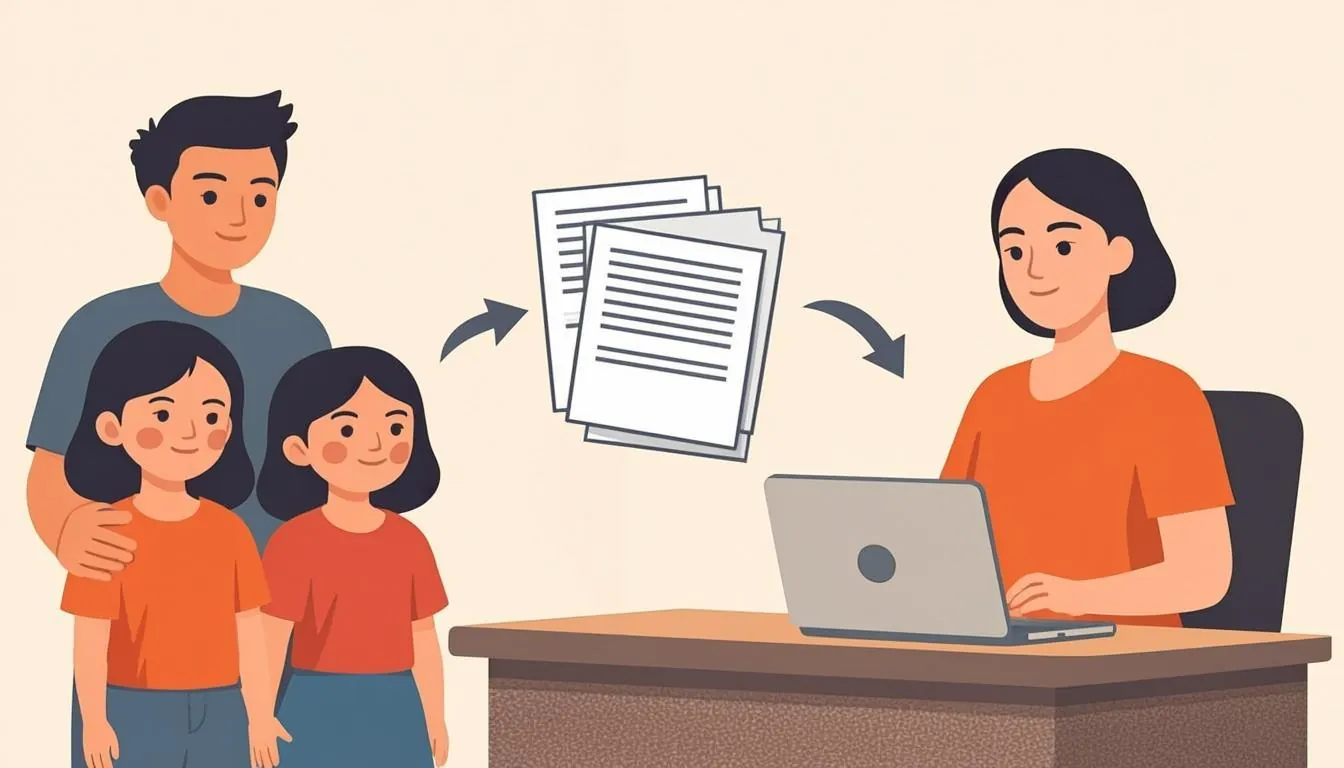
At $4.99 per month for six seats, the Family plan costs less than two individual Premium subscriptions, which makes it an easy yes for any household of three or more. Each member gets a private vault, the organizer manages billing and can be granted emergency access, and shared folders cover the communal logins: streaming, utilities, Wi-Fi, the tax portal. Two caveats. Sharing is folder-based rather than vault-based, so heavy sharers may still prefer 1Password's model, and the renewal price jumps after the intro term like every other Nord product, so set a calendar reminder for month eleven.
Security and Encryption: XChaCha20, Zero Knowledge, and the Missing Audit
NordPass encrypts your vault with XChaCha20 instead of the AES-256 that most competitors use, and it derives your keys with Argon2. Neither choice is a red flag: XChaCha20 is a modern, well-regarded cipher that many cryptographers consider easier to implement correctly than AES, and the zero-knowledge design means Nord itself cannot read your items.
The honest criticism is transparency. NordPass has not published a recurring, independent third-party security audit of its password manager the way 1Password and Bitwarden-style managers do, and the apps are closed source, so you cannot verify the claims yourself. Nord Security's broader record is decent: after NordVPN disclosed in 2019 that a third-party datacenter partner had been breached in 2018, the company rebuilt credibility with public audits and diskless servers. That response is reassuring context, but a password manager is a pure trust product, and published audits matter more than brand familiarity here. If independent verification is your line in the sand, Bitwarden's open-source code and audit history make it the safer pick, full stop.
Our NordPass Review: Everyday Use, Passkeys, and Importing
Apps, speed, and autofill
In our testing, NordPass has the fastest-feeling apps in the budget tier: the desktop vault opens noticeably quicker than Dashlane's and matches 1Password for snappiness, and autofill in Chrome, Edge, and Firefox was reliable across a mix of shopping, banking, and forum logins. The trade-off is that app dependency mentioned earlier. On a borrowed PC or a locked-down work machine without the app installed, you are stuck.
Passkeys, cards, and item types
The vault stores logins, passkeys, secure notes, credit cards, and identity fields, and NordPass saves and autofills passkeys alongside traditional passwords, which puts it ahead of several pricier rivals. Card autofill is accurate for online shopping. What it will not do is store files or attachments at any price, so documents belong in the best cloud storage options rather than in this vault.
Migrating from another manager
Import is a strong point. NordPass ingests CSV exports from Chrome, Safari, LastPass, Dashlane, 1Password, Bitwarden, KeePass, and others, and in our testing a 200-login Chrome import landed cleanly with folders intact. Budget ten minutes for cleanup if you are escaping a manager that locks exports behind a web-only flow.
Multi-Factor Login and the Breach Scanner
Every account gets a master password plus optional multi-factor authentication: authenticator apps work on all tiers, while FIDO2 security keys are reserved for paid plans. Premium adds the data breach scanner, which checks your email addresses against known breaches and flags weak or reused items inside the vault. It is not as deep as dedicated dark-web monitoring, but it caught the reused test credential we planted, and unlike Dashlane, NordPass includes it in the base subscription instead of bolting it onto a bundle you may not want.
Is the NordPass Free Plan Enough?
For one person with a dozen banking and shopping logins, yes: the free tier uses the same apps and encryption as paid, and 25 items stretch further than you would expect. The one-device-at-a-time rule, the missing secure sharing, and no breach scanner are the dealbreakers for everyone else. If you want a free manager without those handcuffs, start with our guide to the best free password managers, where Bitwarden's unlimited free vault is the pick we recommend most often.
Who Should Skip NordPass
- Anyone who treats published third-party audits or open-source code as a condition of trust. Bitwarden and 1Password clear that bar; NordPass does not.
- Chromebook-centric or locked-down users who need a web vault instead of installed apps.
- Households that share dozens of items constantly. Folder-based sharing works, but 1Password's dedicated shared vaults are more flexible.
- Anyone who needs document storage. There are no attachments at any tier.
NordPass vs Bitwarden in 30 Seconds
Bitwarden wins on transparency (open source, recurring audits), a generous free plan, and a $10-per-year premium tier. NordPass wins on polish, speed, mature passkey support, and cheaper first-term pricing. Choose NordPass if you want the nicest budget apps and already trust the Nord ecosystem; choose Bitwarden if maximum verifiable trust per dollar matters more to you.
The Bottom Line
NordPass is the rare password manager that is both cheap and genuinely good. At $1.99 per month you get unlimited items, passkeys, secure sharing, a breach scanner, emergency access, and the fastest apps in the price class, and the Family plan undercuts nearly everyone at $4.99 per month for six seats. Our verdict is a confident recommendation for Nord ecosystem users and anyone tired of overpaying, with one honest asterisk about the missing independent audit. If that asterisk bothers you, pay a little more for 1Password or use Bitwarden free. For everyone else, pair NordPass with the best free antivirus and call your security stack done for less than the cost of one streaming subscription.